

What this generates
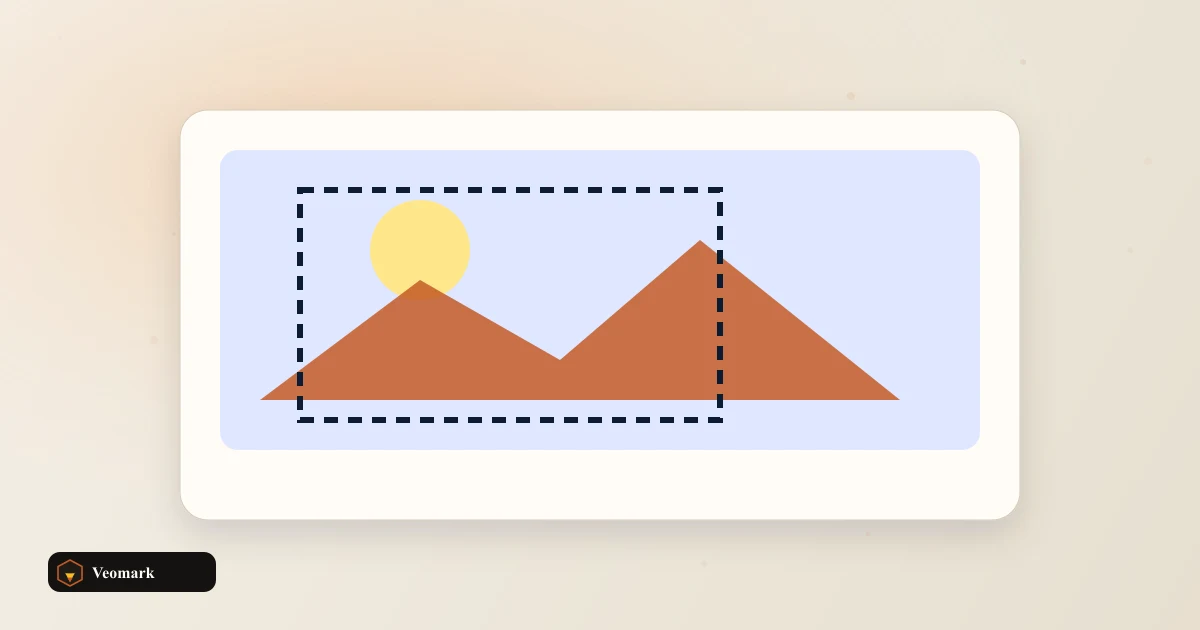
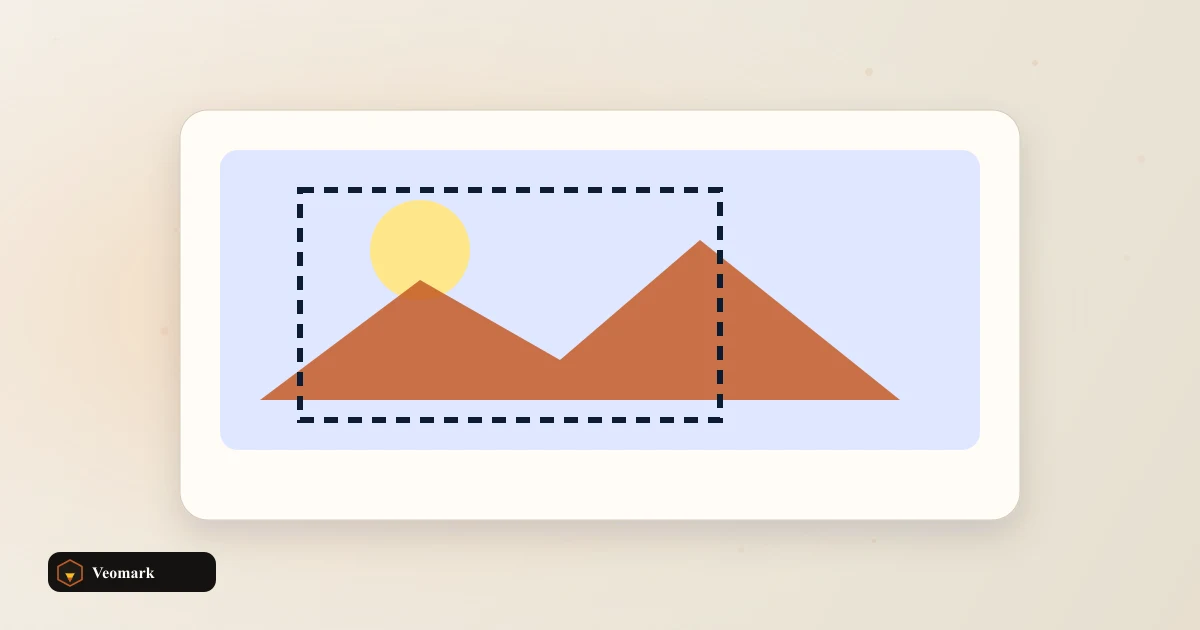
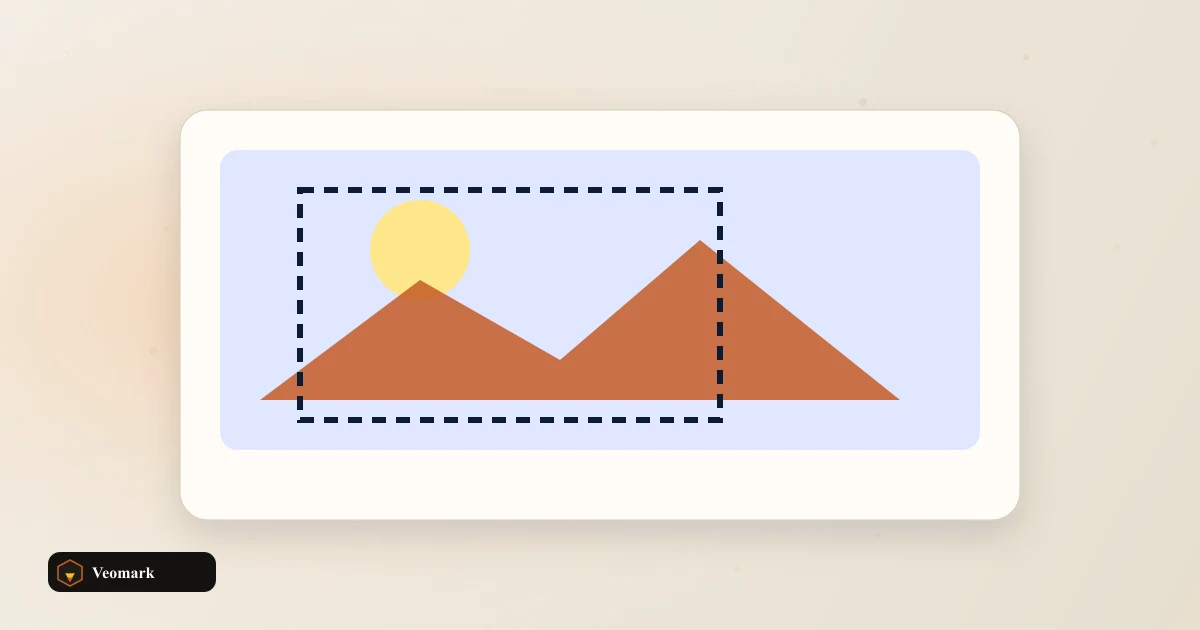
This page generates a CSS vignette overlay that darkens the edges of an element. An inset box-shadow on a::after pseudo-element fades to your darkness value toward the edges, at the spread radius you set.
Change the fields above and the output updates live.
Related tools
See the CSS Noise/Grain Texture Generator for a related effect.
Frequently Asked Questions (FAQ)
What does this tool actually produce?
It generates a CSS vignette overlay that darkens the edges of an element. An inset box-shadow on a::after pseudo-element fades to your darkness value toward the edges, at the spread radius you set.
Is my image uploaded anywhere?
No. Everything runs in your browser -- whether that is a CSS snippet built from your inputs, or real pixel processing on a canvas for an uploaded photo. Nothing is sent to a server.
Can I use the output directly?
Yes. Copy the CSS/HTML snippet into your project, or save the resulting image if this tool processes an uploaded photo.