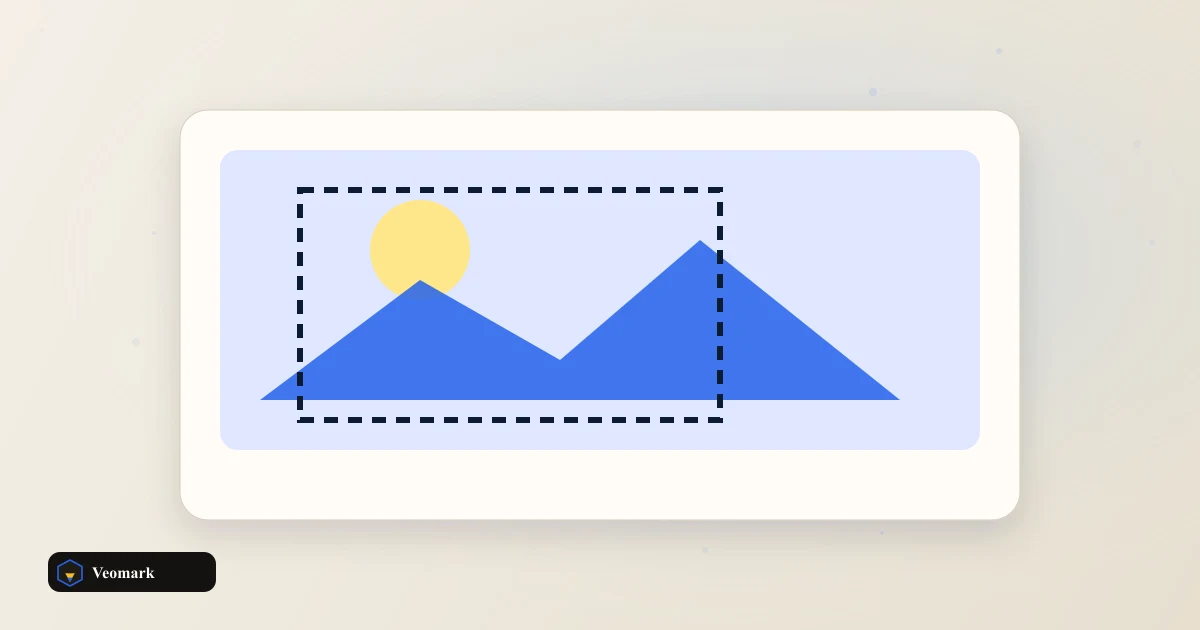


One placement, its canvas size, and the safe box inside it
The Instagram square placement uses a 1,080 x 1,080 pixel canvas, with a safe box of 972 x 972 pixels after a standard 5% inset on each side (1,080 x 0.9 = 972).
That 5% safe-zone margin exists for the same reason a YouTube thumbnail safe zone does: UI overlays (like Instagram's caption, engagement icons, or carousel dots), different crop behavior across surfaces (feed vs. profile grid vs. shared-to-Stories), and slight rendering differences across devices can all eat into the outer edge of the full canvas.
Square (1:1) placements like this one are among the more forgiving formats to design for, since they crop consistently across most surfaces -- vertical and horizontal formats on the same platform often have more surface-dependent cropping behavior to account for.
Why these presets need periodic re-checking
Presets are planning sizes. Apps crop differently on each device. Platforms update recommended and maximum image dimensions periodically as they add new placements, redesign feeds, or change compression -- treat every preset here (including this 1,080 x 1,080 figure) as a snapshot worth re-verifying against the platform's current official specs before a large creative batch.
Even at the same nominal canvas size, different apps and devices can apply different final crops or compression when displaying the same uploaded image -- the safe-zone inset is a planning guideline to reduce risk, not a guarantee that every device renders identically.
This tool covers one placement per lookup -- for a batch workflow across multiple platforms and placements at once, keep a running reference of each platform's current specs rather than re-checking one at a time.
Platform-specific size tools for deeper detail
For Pinterest specifically, which uses a taller default ratio than Instagram's square format, the Pinterest Pin Dimension Scaler handles custom ratio scaling directly.
For YouTube thumbnails and channel art specifically, the YouTube Thumbnail Safe Zone Previewer and YouTube Channel Art Size Checker go deeper on those specific surfaces.
Frequently Asked Questions (FAQ)
How is the 972 x 972 safe box calculated?
Safe box = canvas size x (1 - 2 x 5%) = 1,080 x 0.9 = 972 pixels per side, trimming 5% from each edge of the full square canvas.
Are these presets guaranteed to be Instagram's current official specs?
Presets are planning sizes. Apps crop differently on each device. They reflect commonly cited current guidance, but platforms update dimensions periodically. Confirm against the platform's own current creator/business resources before finalizing a large batch of creative around these numbers.
Why does a square (1:1) format need a safe zone at all if it's not cropped to a different shape?
Even without a shape change, UI overlays (captions, icons, carousel indicators) and slight device-to-device rendering differences can still obscure or crop the outer edge of a square image -- the safe zone protects against those overlays, not just aspect-ratio cropping.
Does the same safe-zone percentage apply to every placement?
This tool uses a standard percentage as a general planning guideline across placements, but real-world overlay behavior differs by platform and surface -- some placements may warrant a larger or smaller safe margin depending on how much UI typically overlays that specific format.
Should I design separately for each platform instead of reusing one image?
Where possible, yes. Reusing a single canvas size across platforms with different native ratios usually means either letterboxing or cropping content in ways the original design didn't anticipate -- checking each platform's specific preset before finalizing creative avoids that.