

Glyph columns
--
Free · Instant · No signup
Text-to-banner glyphs. It does not convert a photograph to ASCII art.
Page updated 2026-09-14.

Glyph columns
--

'VEO 2026' renders into an 8-column-wide ASCII banner using a tiny 3-row font -- each character built from # symbols and spaces arranged to visually approximate the letter or digit shape, all capped at a 48-character maximum banner width.
This is a text-to-ASCII-art generator specifically -- it builds banner text from a small built-in character font, rather than sampling and converting an actual photograph's pixels into ASCII characters, which is a related but functionally different process handled by a separate photo-to-ASCII tool.
The tiny 3-row font used here trades detail for compactness -- with only 3 rows of characters to work with per letter, each glyph is a simplified, blocky approximation rather than a detailed rendering, similar in spirit to how early digital displays and dot-matrix printers represented characters with a small fixed grid of pixels.
Tiny 3-row font, not a pixel sampler. Lowercase is raised to A-Z. Lowercase letters are automatically converted to uppercase before rendering, since the built-in tiny font only defines glyphs for the uppercase A-Z character set -- there's no separate lowercase glyph design in this compact font.
The max banner width setting (48 characters here) caps how wide the resulting ASCII art can be -- longer input text either wraps or gets constrained within that width limit, which matters for keeping the output usable in width-constrained display contexts like a terminal or code comment block.
Characters outside the font's defined set (certain punctuation or symbols not included in this compact character design) may not render or may render as a blank/placeholder shape, since the tiny font only needs to cover the common banner-text character set it was actually designed for.
For converting an actual photograph into ASCII art (sampling real image pixels rather than rendering text through a built-in font), the Photo to ASCII Art Converter is the tool built for that different task.
No. Tiny 3-row font, not a pixel sampler. Lowercase is raised to A-Z. It renders typed text using a small built-in character font. Converting a real photograph's pixels into ASCII art is a different, related process handled by a separate photo-to-ASCII tool.
Tiny 3-row font, not a pixel sampler. Lowercase is raised to A-Z. The built-in tiny font only includes glyph designs for uppercase A-Z characters -- there's no separate lowercase glyph set, so lowercase input is automatically raised to uppercase before rendering.
It caps how wide the resulting ASCII art output can be, in characters. This keeps the banner usable in width-constrained display contexts, like a terminal window or a code comment block, where very wide output would wrap awkwardly or overflow.
Since this compact 3-row font only defines the common banner-text character set it was designed for, unsupported symbols may not render correctly or may show as a blank or placeholder shape instead of a recognizable glyph.
The tiny 3-row design trades visual detail for compactness, producing a simple, readable banner style similar in spirit to early digital displays or dot-matrix output -- a deliberate design choice for a lightweight banner tool rather than a limitation of a more sophisticated approach.
 Photo File Metadata Inspector Show name, byte size, MIME type, and last-modified from a chosen file. Full EXIF tags are not parsed.
 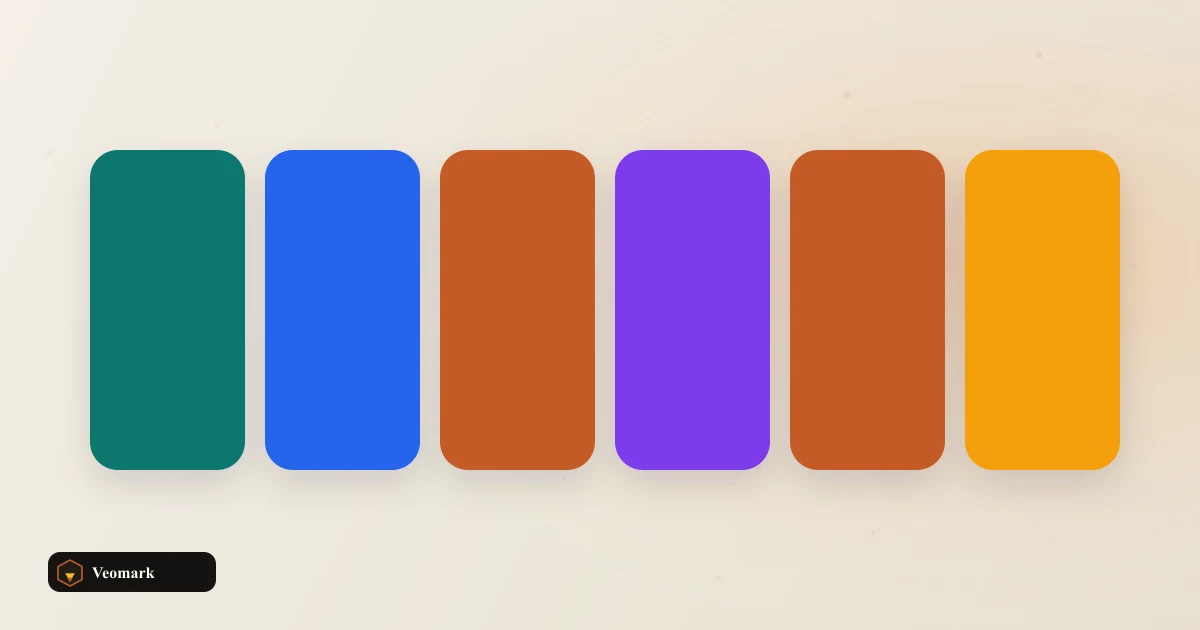 Color Picker from Image Sample colors from a canvas image.
 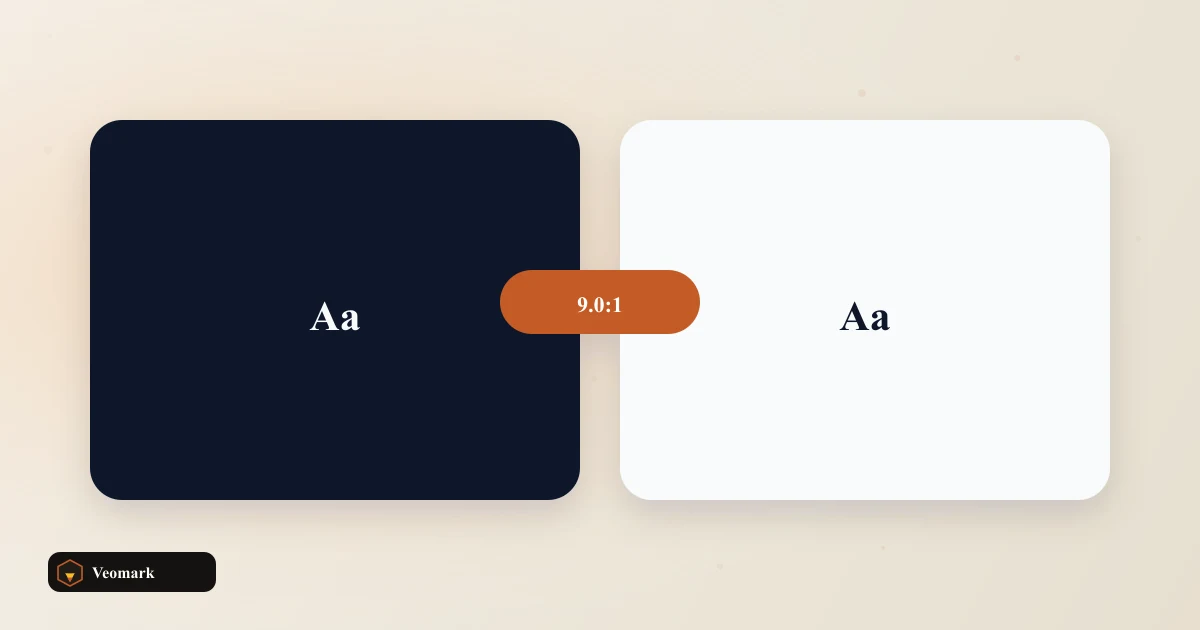 Color Contrast Ratio Checker (WCAG 2.1 AA / AAA Compliance) Relative luminance contrast between two colors with WCAG 2.1 AA and AAA pass or fail for normal and large text.
  Hex Sample Mixer Deduplicate pasted hex samples and average them into a mix hex. Does not cluster image pixels.