

Swatches
--
Free · Instant · No signup
Build a five-swatch hex palette from a base color by rotating HSL hue or stepping lightness.
Page updated 2026-09-04.
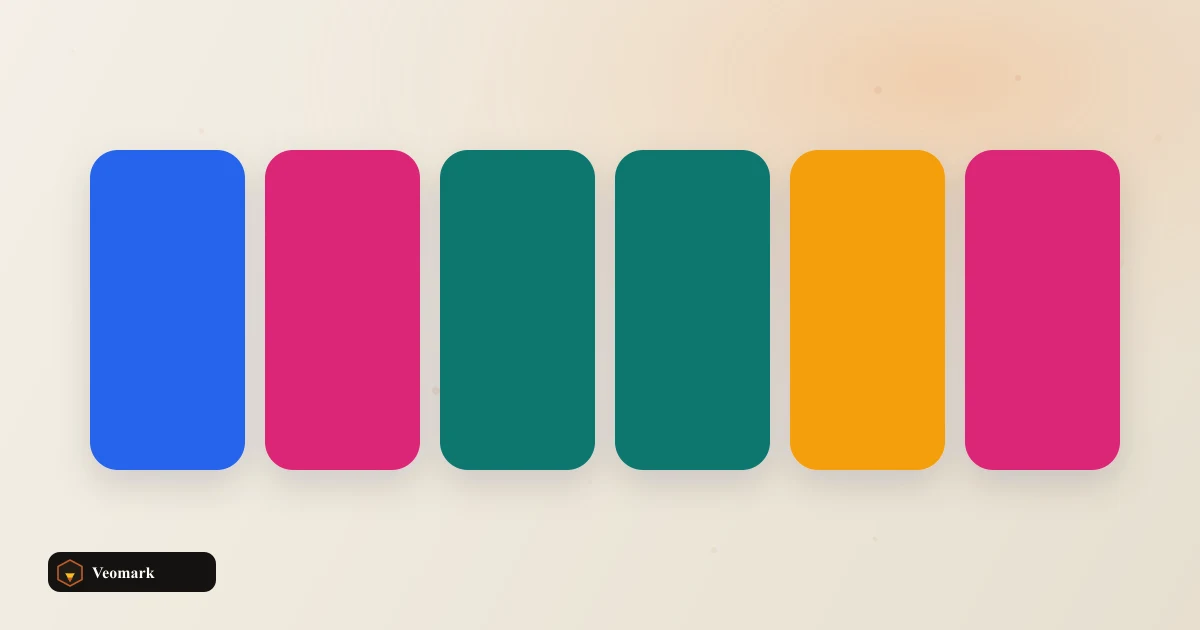

Swatches
--

Starting from base color #3B82F6 with an analogous scheme, the generator produces 5 swatches: #3bdff6, #3bb1f6, #3b82f6 (the original base, centered in the sequence), #3b53f6, and #523bf6.
An analogous color scheme works by rotating hue in small steps on either side of the base color while keeping saturation and lightness constant -- notice the green (3b) and blue (f6) channel values barely shift across most of these swatches, while the middle channel (which encodes hue rotation in this blue-dominant range) shifts steadily, producing a smooth, closely related family of colors rather than dramatically different ones.
This scheme type is popular specifically because analogous colors, being close together on the color wheel, are naturally harmonious when used together -- unlike complementary or triadic schemes (opposite or evenly-spaced hues), which produce more visual contrast and tension by design.
Hue rotation in HSL. Print conversion and brand libraries are separate. This works by converting the base color to HSL (hue, saturation, lightness), rotating the hue value by fixed steps, and converting each result back to hex -- a mathematically clean approach that keeps saturation and lightness consistent across the whole palette, which is what gives an analogous scheme its cohesive look.
This produces screen-ready hex colors only -- if the palette needs to be converted for print production (CMYK), that's a separate conversion step this tool doesn't perform, since RGB/hex and CMYK don't have a perfect one-to-one mapping.
This generates a palette from pure color theory (hue relationships), not from any existing brand guideline or established color library -- if you're trying to match a specific brand's official palette, cross-reference against that brand's own published color values rather than relying on generated analogous colors alone.
For lighter and darker variations of a single color (rather than hue-shifted analogous colors), the Color Shade & Tint Generator is the complementary tool.
Once you have a palette, checking it for accessibility and colorblind-safety is a worthwhile next step -- the Color Blindness Simulator and Colorblind-Safe Palette Suggester cover that.
Hue rotation in HSL. Print conversion and brand libraries are separate. The base color is converted to HSL, and its hue value is rotated by fixed small steps in both directions (with saturation and lightness held constant), then each result converts back to hex -- producing colors that sit close together on the color wheel.
An analogous scheme rotates hue on both sides of the base color, so the base naturally lands in the center of the resulting sequence, with hue shifted colors flanking it on either side.
No. Hue rotation in HSL. Print conversion and brand libraries are separate. It generates screen-ready hex colors only. Converting a palette for print production requires a separate CMYK conversion step, since RGB/hex and CMYK don't map perfectly one-to-one.
Not directly. Hue rotation in HSL. Print conversion and brand libraries are separate. This generates a palette from pure color theory relationships, not from any brand's actual published guidelines. Cross-reference against the brand's own official color values if exact matching matters.
Analogous colors sit close together on the color wheel (small hue rotations), producing a harmonious, low-contrast palette. Complementary schemes use opposite hues instead, producing higher visual contrast and tension by design -- a genuinely different aesthetic effect.
 Color Picker from Image Sample colors from a canvas image.
 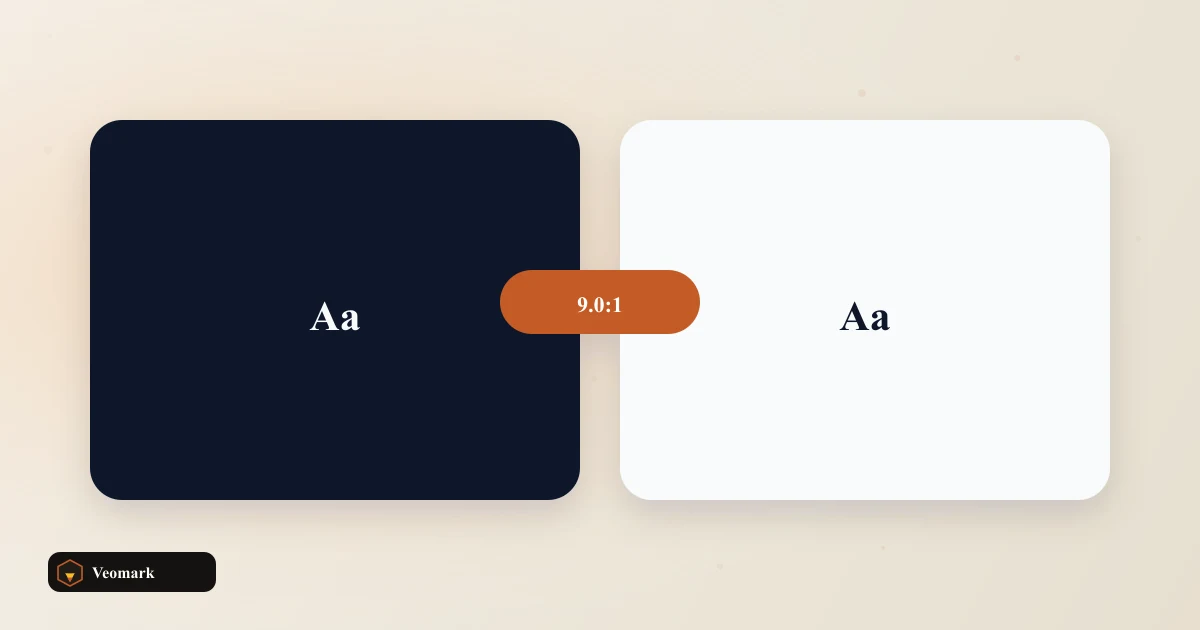 Color Contrast Ratio Checker (WCAG 2.1 AA / AAA Compliance) Relative luminance contrast between two colors with WCAG 2.1 AA and AAA pass or fail for normal and large text.
  CSS Glassmorphism Code Generator Build backdrop-filter frost glass from blur, fill opacity, and a background color.
  Image Aspect Ratio Crop Calculator Largest centered crop box of a chosen ratio that still fits inside a source width and height.