

Crop width
--
Free · Instant · No signup
Preset crop boxes only. Custom ratio formula lives on the Image Crop Ratio Calculator.
Page updated 2026-09-04.

Crop width
--
Crop height
--
Center offset X
--
Center offset Y
--

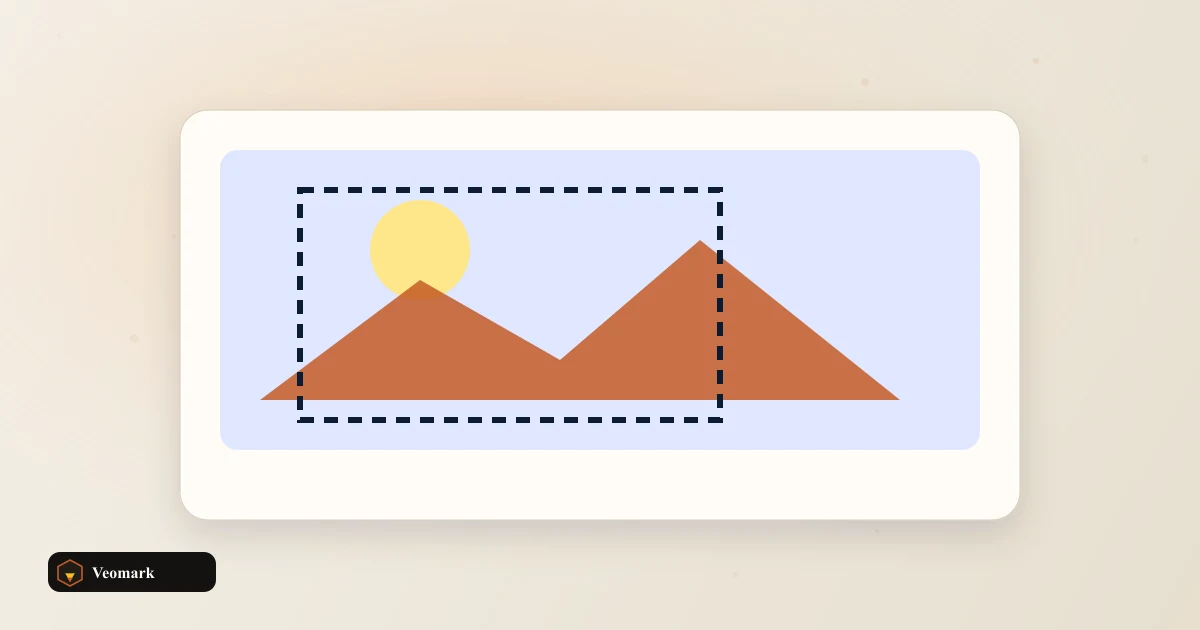
A 1920x1080 source image cropped to a 16:9 preset needs no cropping at all -- the crop box comes back as the full 1920 x 1080, with a center offset of (0, 0), because 1920:1080 already simplifies to exactly 16:9 (1920/1080 = 1.7778, matching 16/9 = 1.7778 precisely).
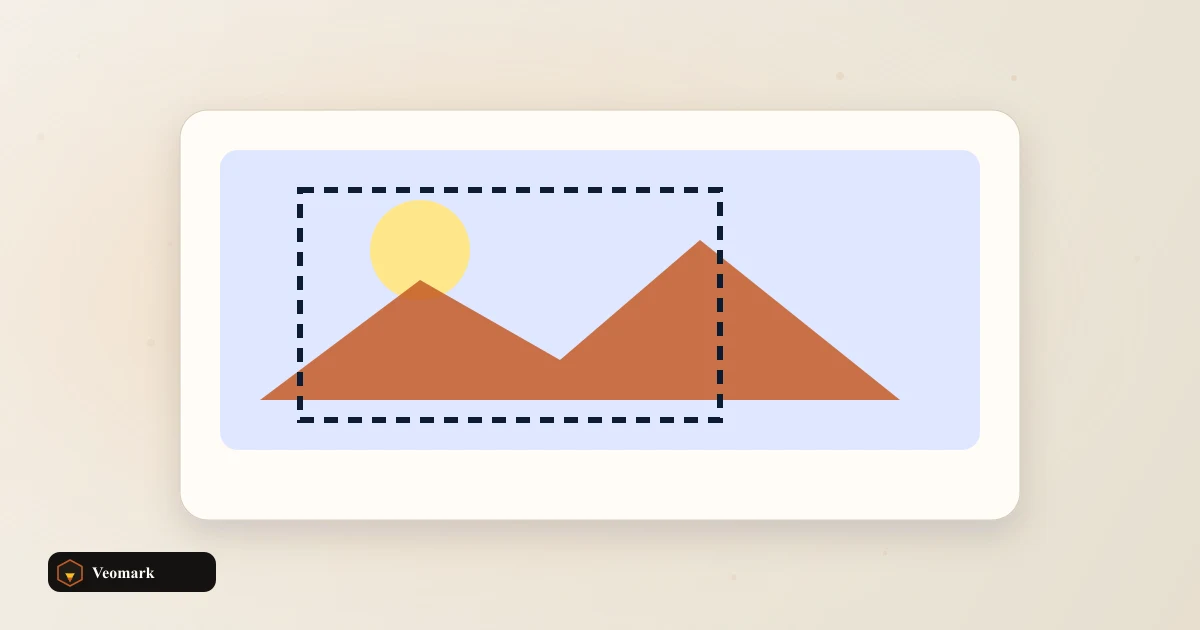
This tool calculates the largest possible crop box matching the target aspect ratio that fits within the source image's dimensions -- when source and target ratios already match exactly (as here), that box is simply the entire image, with nothing trimmed away.
Center offset (0, 0) means the crop box is centered on the image with zero pixels trimmed from any edge -- for a source that doesn't already match the target ratio, the offset would show how many pixels get cropped from each side to center the resulting box within the original image.
Box size only. Different from Aspect Ratio Calculator and Image Crop Ratio Calculator slugs. This tool calculates the crop box dimensions and centering offset for a chosen preset ratio -- it doesn't actually perform the crop on an image file, since that requires image-processing software or a canvas-based tool rather than a pure dimension calculator.
This is deliberately a distinct, more specific tool from a general aspect ratio calculator or a manual crop-ratio calculator -- this one specifically works from preset ratio options (like 16:9, 1:1, 4:5) matched against your source dimensions, rather than requiring you to specify an arbitrary custom ratio by hand.
If your source image doesn't match the preset ratio, the calculated crop box necessarily trims from either the width or the height (whichever is proportionally larger relative to the target ratio) -- centering the crop means losing equal amounts from both opposite edges of whichever dimension gets trimmed.
For a more general, non-preset aspect ratio calculation between two arbitrary dimensions, the Aspect Ratio Calculator is the related but distinct tool.
For a different but related crop-ratio calculation approach, the Image Crop Ratio Calculator covers that separate use case.
Because 1920:1080 already simplifies to exactly 16:9 (1920/1080 = 1.7778, matching 16/9 precisely) -- when the source ratio already equals the target ratio, the largest matching crop box is simply the entire original image.
It shows how many pixels are trimmed from the edges to center the crop box within the source image. An offset of (0, 0), as in this example, means nothing is trimmed -- the crop box perfectly fills the original dimensions.
No. Box size only. Different from Aspect Ratio Calculator and Image Crop Ratio Calculator slugs. It calculates the crop box dimensions and offset only. Actually performing the crop on an image file requires separate image-editing or canvas-based tooling.
Box size only. Different from Aspect Ratio Calculator and Image Crop Ratio Calculator slugs. This tool works specifically from preset ratio options (like 16:9, 1:1, 4:5) matched against your actual source image dimensions to compute a crop box, while the general Aspect Ratio Calculator handles arbitrary ratio math between any two dimensions.
The calculated crop box trims from either the width or height (whichever is proportionally larger relative to the target ratio), centered so equal amounts are removed from both opposite edges of the trimmed dimension.
 CSS Border Radius / Blob Shape Builder Eight percentages (horizontal and vertical per corner) compiled into one border-radius blob.
  WebP / AVIF Compatibility Cheatsheet & Preview Short Chrome, Firefox, and Safari support notes for WebP or AVIF so you can plan a picture fallback.
  Photo File Metadata Inspector Show name, byte size, MIME type, and last-modified from a chosen file. Full EXIF tags are not parsed.
  Aspect Ratio Calculator 4:3, 16:9, and 1:1 crop math.