

Sale price
$80.00
Free · Instant · No signup
Percent off, sale price, and original price.
Page updated 2026-09-04.
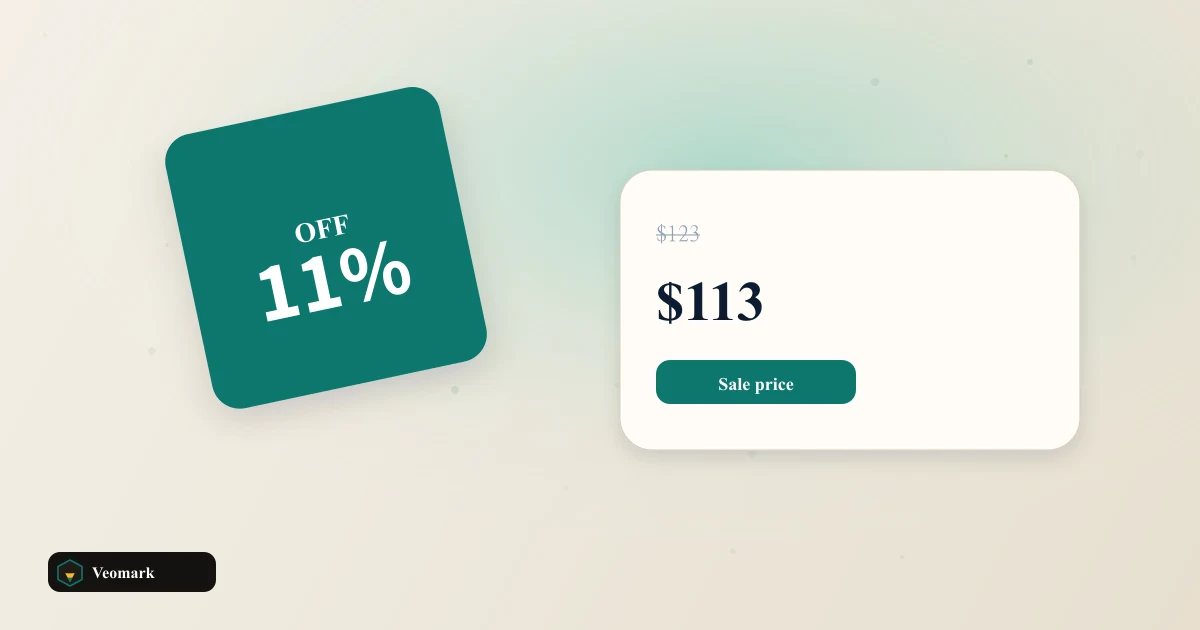

Sale price
$80.00
Discount percent
20.0%
Amount saved
$20.00

Retail markdowns are either "20% off $100" or "now $80, was $100." This page toggles which value you type and solves for the other plus amount saved.
Defaults in percent mode: $100 original, 20% discount. Sale price = 100 x (1 - 0.20) = $80.00. Amount saved = $20.00. Switch to sale-price mode with the same original and $80 sale: discount = 20 / 100 x 100 = 20.0%.
Toggle buttons use aria-pressed for the active mode. Results update on input without a submit button.
A 20% shelf discount is not a 20% margin cut. After COGS, the hit to profit depends on cost structure. Model SKU economics on the Shopify Profit Margin Calculator or Etsy Profit Margin Calculator once you know the sale price from this page.
Tax-inclusive tags need the VAT / GST Tax Calculator. Discount here is on the net list; tax may apply to the sale price depending on jurisdiction.
Break-even volume shifts when you permanently lower price. Rerun the Break-Even Calculator with the discounted selling price in the price field.
Copy writes original, sale price, discount percent, and amount saved. Paste into a promo brief or marketplace sale field. MAP policies and stackable codes are your problem; this page is one line item.
A "50% off" on a $9.99 item saves $5.00 (rounded display) but the calculator keeps cents. Use two decimal places for accounting.
If sale price equals original, discount is 0% and saved is $0. That is a valid result, not an error.
Mode 1 (Original + discount %): sale price = original x (1 - discount / 100), amount saved = original - sale price. Mode 2 (Original + sale price): amount saved = original - sale price, discount % = (saved / original) x 100. Defaults in mode 1: $100 original, 20% off = $80.00 sale, $20.00 saved.
No in mode 2. Sale price must be between 0 and the original price. Otherwise an alert fires, results show n/a, and copy is disabled. Mode 1 always derives sale price from percent, so it cannot exceed original unless discount is negative (blocked above 100%).
No. Output is pre-tax list and sale math. Add VAT or GST with the VAT / GST Tax Calculator if the shelf tag must show tax-inclusive price.
 VAT / GST Tax Calculator Tax-inclusive and tax-exclusive amounts.
  Shopify Profit Margin Calculator Plan-tier gateway fees, COGS, and ads vs profit per item and monthly net.
  Etsy Profit Margin Calculator Listing, 6.5% transaction, payments, Offsite Ads, COGS, and postage vs net profit.
  Break-Even Analysis Calculator Monthly units and revenue to cover fixed costs after contribution margin.
  PayPal Fee Calculator Exact net, gross, and invoice amount after PayPal fees.