

Real clustering, not a synthetic hue sweep
Upload an image and this page samples its pixels, then runs k-means clustering to find the color groups that actually appear in the image -- not a generated rainbow starting from a hue you pick.
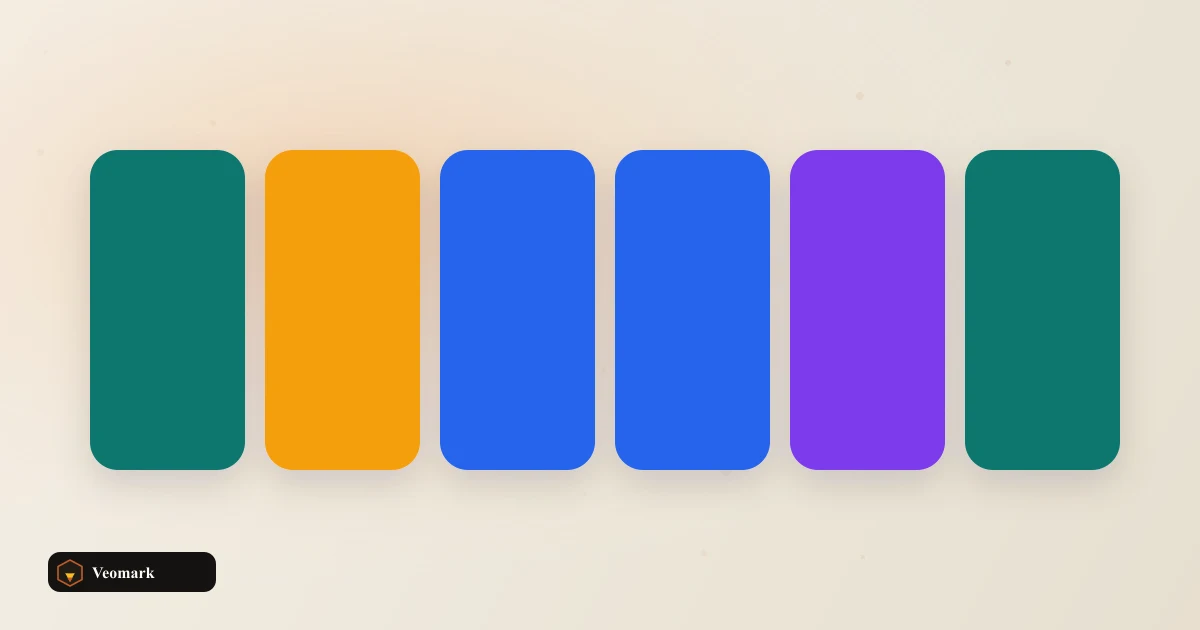
Results are sorted by cluster size, so the first swatch is the most visually dominant color in the image.
Related tools
For a frequency-based (non-clustering) alternative, see the Logo Color Palette Extractor. For a synthetic palette that does not depend on an image, see the Random Palette Generator.
Frequently Asked Questions (FAQ)
How does k-means color extraction work here?
Your image is downsampled to a 48x48 canvas, then every opaque pixel becomes a 3D point (R, G, B). K-means clustering groups those points into as many clusters as swatches you asked for, over 8 iterations, and each cluster's average color becomes one swatch -- sorted with the largest (most common) cluster first.
Is my image uploaded anywhere?
No. The canvas, pixel sampling, and clustering all run in your browser via the Canvas API. The image file never leaves your device.
Why might results vary slightly between runs?
K-means starts from evenly spaced seed pixels in this implementation, so results are deterministic for the same image and swatch count -- but a different swatch count changes where those seeds land, which can shift clusters.
How is this different from the Logo Color Palette Extractor?
This page clusters pixels into groups and averages each group (true k-means). The Logo Color Palette Extractor instead counts how often each quantized color appears and returns the most frequent ones (a histogram) -- a faster, simpler technique that can behave differently on gradients or anti-aliased edges.