

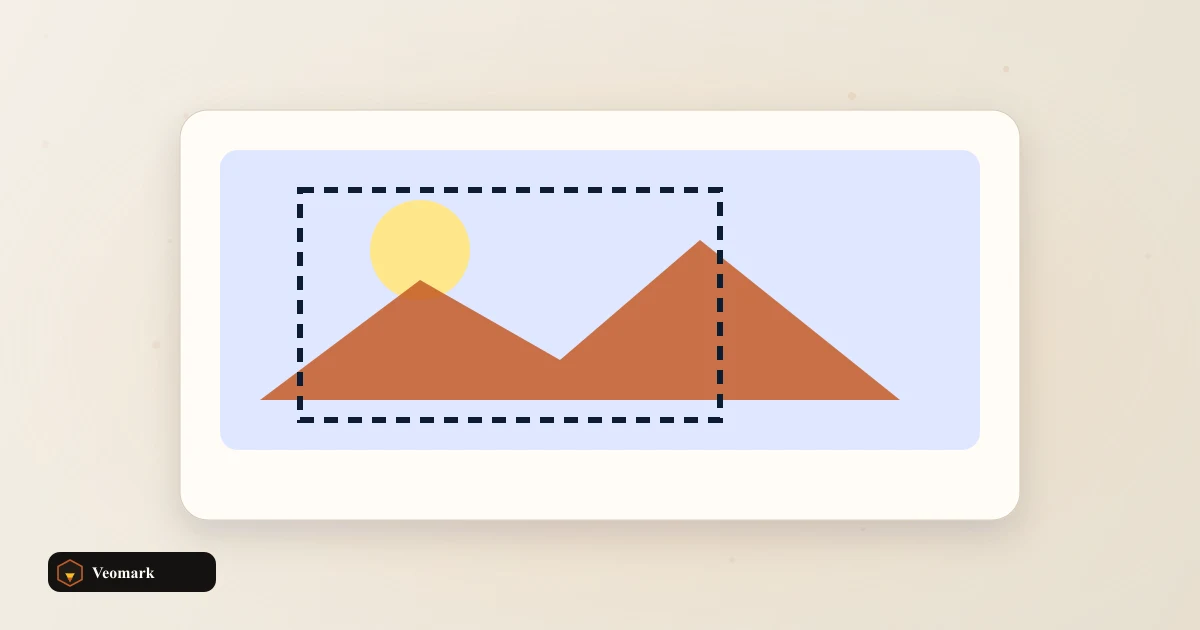
Center crop box
4032 x 2268 px
Offset from top-left: 0, 378 px
Free · Instant · No signup
Formula crop box from any ratio. For common social presets, use the Image Aspect Ratio Crop Calculator.
Page updated 2026-09-04.
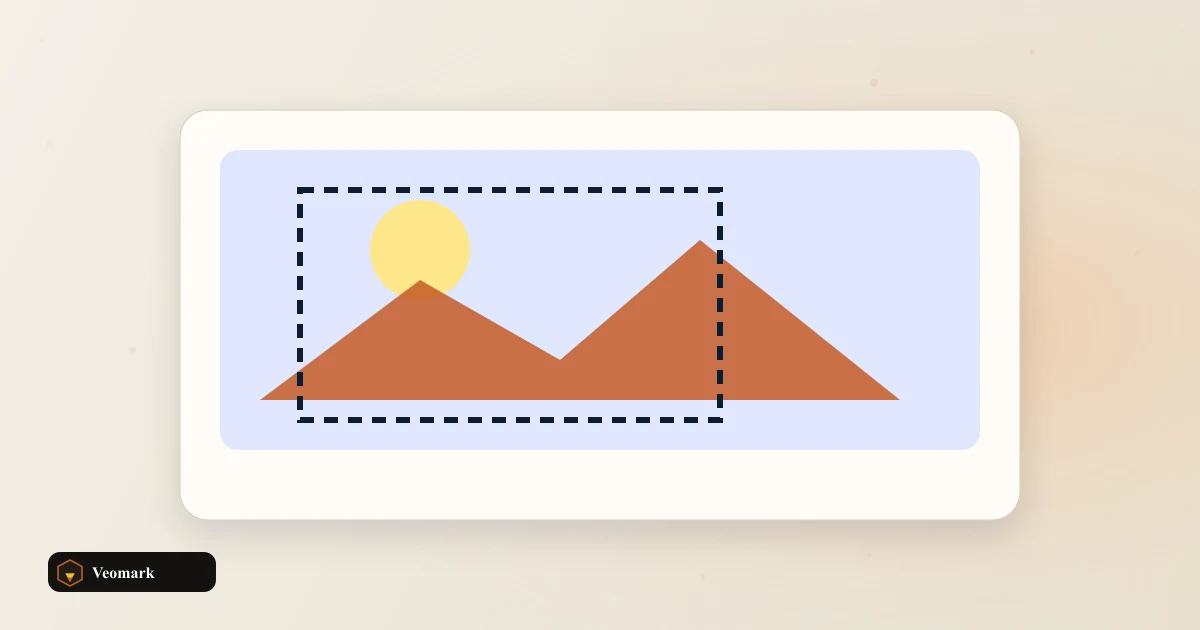

Center crop box
4032 x 2268 px
Offset from top-left: 0, 378 px
Crop width
4032 px
Crop height
2268 px

DSLR and phone photos rarely match platform ratios out of camera. Enter pixel dimensions from file info, pick target ratio, get crop size and top-left offset.
Default 4032 x 3024 at 16:9 shows a 4032 x 2268 crop centered vertically with 378 px trimmed from top and bottom combined.
Copy exports crop size, offset, and ratio for Lightroom, Figma, or ffmpeg crop filters.
When you only know one output side, start with the Aspect Ratio Calculator.
After cropping, export exact pixels with the Image Dimension Resizer.
Pick brand colors from the cropped export using the Color Picker from Image.
Rerun when EXIF orientation changes effective width and height. Use dimensions after auto-rotate.
Video stills use the same math as photos when you read frame width and height.
Combine with PNG compression after export to hit upload limits.
Enter source width and height plus target ratio. If source is wider than target, crop height equals source height and crop width is reduced. If source is taller, crop width equals source width and crop height is reduced. Offsets center the box.
Presets 16:9, 4:3, 1:1, 9:16, 3:2, or custom width-to-height ratio. Default 4032 x 3024 source at 16:9 yields 4032 x 2268 crop with y offset 378 px.
No. Output is crop width, height, and x/y offset for your editor or CSS object-position workflow. Use Image Dimension Resizer after cropping in an editor if you need export.
Center crop is the default assumption when subject is framed in the middle. Manual offset for off-center subjects belongs in your photo editor using the computed size as a guide.
 Aspect Ratio Calculator 4:3, 16:9, and 1:1 crop math.
  Image Dimension Resizer Resize width and height, then download.
  PNG Size Reducer Redraw a PNG at a smaller pixel scale and re-encode.
  Color Picker from Image Sample colors from a canvas image.
  SVG to PNG Converter Convert SVG to PNG in the browser.