

Output dimensions
1920 x 1080 px
Ratio 16:9
Free · Instant · No signup
General image and display ratios. For 16:9, 9:16, 4:3, and custom pixel math on one known side.
Page updated 2026-09-14.

Output dimensions
1920 x 1080 px
Ratio 16:9
Width
1920 px
Height
1080 px

Video, social, and print layouts speak in ratios (16:9 widescreen, 1:1 square feed, 9:16 vertical). Enter one known side and this tool returns the other in pixels.
Default 1920 x 1080 px is Full HD 16:9. Switch preset to 1:1 with 1080 px width and height becomes 1080 px.
Copy exports width, height, and ratio label for tickets, CSS aspect-ratio notes, or editor crop guides.
After you know pixel dimensions, resize files with the Image Dimension Resizer.
Center crop offsets for a photo size use the Image Crop Ratio Calculator.
Export icons from SVG through the SVG to PNG Converter at the computed square size.
16:9 for YouTube thumbnails and presentation slides. 1:1 for profile avatars and Instagram grid tiles. 9:16 for Stories and Shorts vertical frames.
Custom ratio covers cinematic 2.39:1 or legacy 5:4 print when presets do not match your brief.
Rerun when you change delivery size (720p vs 1080p vs 4K) while keeping the same ratio.
16:9, 4:3, 1:1, 9:16, and 3:2, plus custom width-to-height ratio. Default: 1920 px width at 16:9 yields 1080 px height.
Yes. Choose "I know the height" and enter height in pixels. Width is computed from the selected ratio.
If you know width: height = width x (ratio height / ratio width). If you know height: width = height x (ratio width / ratio height). Results round to whole pixels.
No. This page outputs dimensions only. Use the Image Crop Ratio Calculator for center crop box math on an existing photo size.
If you lock width: height = width x (ratio height / ratio width). If you lock height: width = height x (ratio width / ratio height). 1920 width at 16:9 is 1080 height. Presets fill the ratio fields; custom lets you type any pair. This does not crop a file.
1:1. Enter 1080 on the locked side. Instagram feed squares, some product shots, and profile crops use it. 4:5 is portrait feed, 16:9 is landscape video, 9:16 is Stories and Shorts. Pick the preset that matches the destination, then overwrite width or height.
 Image Crop Ratio Calculator Target crop-box dimensions.
  Image Dimension Resizer Resize width and height, then download.
  SVG to PNG Converter Convert SVG to PNG in the browser.
 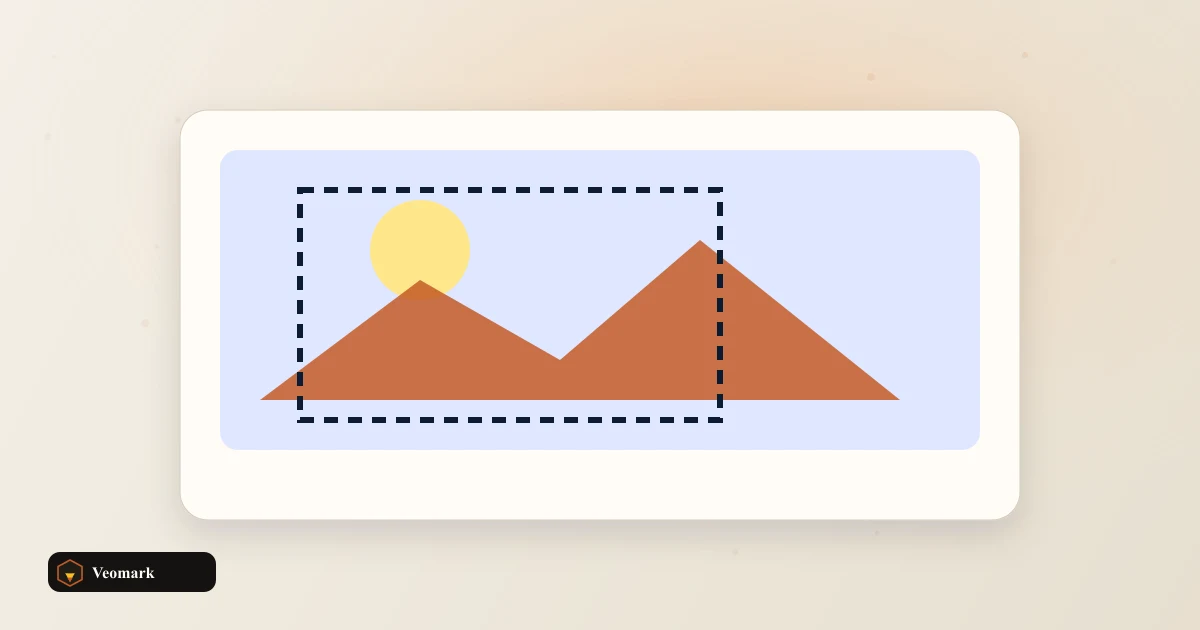 PNG Size Reducer Redraw a PNG at a smaller pixel scale and re-encode.
  Color Picker from Image Sample colors from a canvas image.