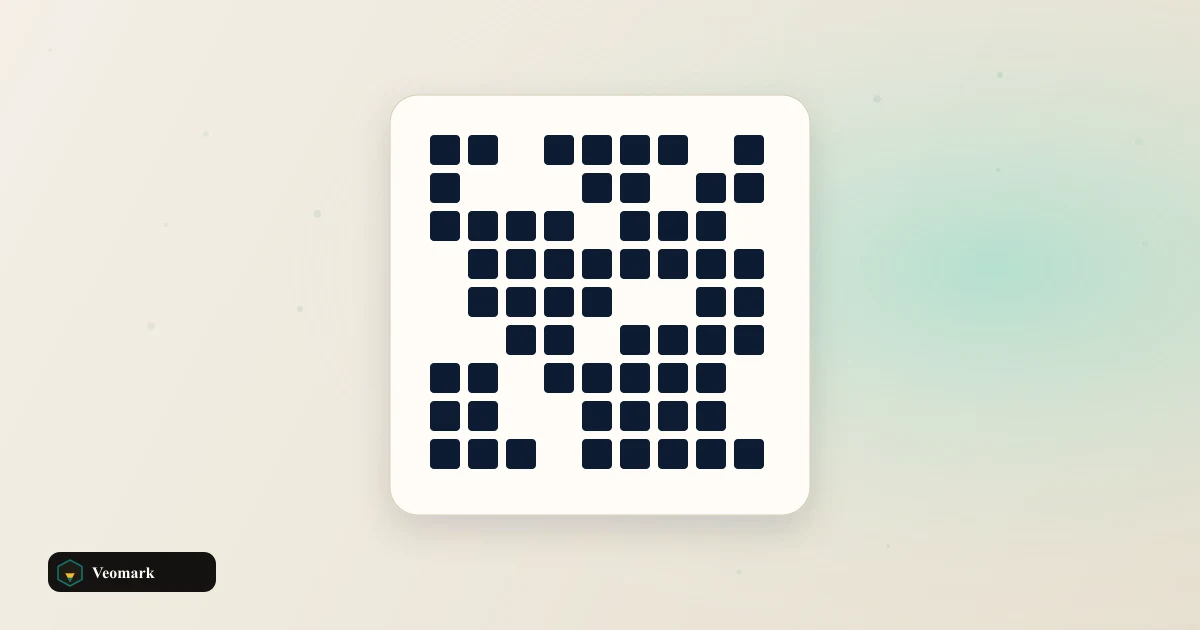


Static QR for print, slides, and packaging
A QR code is a 2D barcode phones camera apps read. Put a URL on a flyer, sticker, or slide so users skip typing. This generator renders SVG instantly at selectable pixel size.
Default: https://veomark.com at 192 px. Change text and size; preview updates on input.
Copy encoded text grabs the raw string, not the image. Screenshot or save SVG from the preview for PNG if needed.
Campaign links deserve UTM first
Marketing QR should point at tracked URLs. Build the final link in the UTM Builder, copy it, paste here, then print.
Short passwords or setup codes pair with the Password Generator for the human-readable side, QR for the machine-readable side.
URL-encode odd characters in query strings with the URL Encoder / Decoder before QR encoding if analytics break.
Test scan before print run
Scan from 3 feet with both iPhone and Android. Low contrast (yellow on white) fails before length limits do.
Regenerate when the destination URL changes. Static QR cannot redirect without replacing the printed code.
For meta previews of the landing page, use the Meta Tags Generator on the HTML head, separate from QR.
Frequently Asked Questions (FAQ)
What can I encode?
Any text string: https URLs, plain text, mailto:, tel:, Wi-Fi WIFI:T:WPA;S:... strings, or vCard snippets. Default demo encodes https://veomark.com.
How is the QR code built?
Same in-browser encoder as the UTM Builder (src/lib/qrcode.js). Byte mode, ECC medium, versions 1 to 20. SVG renders locally. Sizes: 128, 192, 256, or 320 px.
Is data sent to a server?
No. Encoding and SVG render happen in your browser. Copy encoded text uses the clipboard only.