

Final tracking URL
https://veomark.com/?utm_source=newsletter&utm_medium=email&utm_campaign=summer_sale
Free · Instant · No signup
Campaign URLs with source, medium, lowercase, space rules, copy, and QR.
Page updated 2026-09-04.
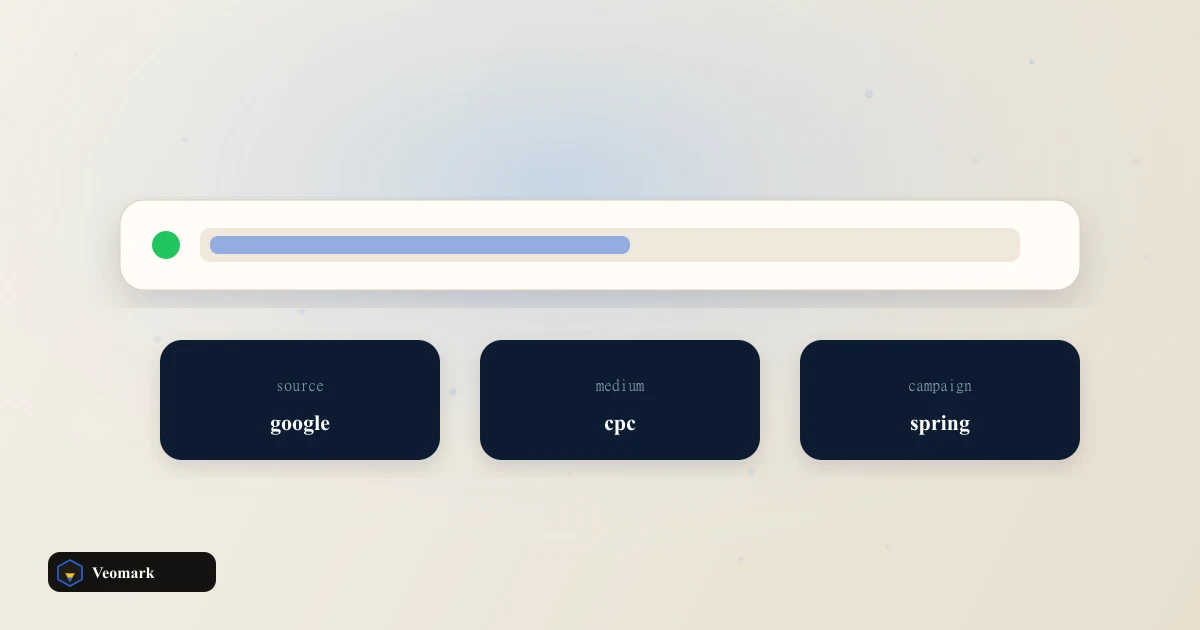

Final tracking URL
https://veomark.com/?utm_source=newsletter&utm_medium=email&utm_campaign=summer_sale
| Parameter | Value | Encoded |
|---|

A newsletter that ships utm_source = Newsletter one week and utm_source=news letter the next week splits one channel into three rows in GA4. Spaces, mixed case, a second ? on a URL that already has ref=, and a forgotten utm_medium are the usual causes. This builder starts from https://veomark.com, source newsletter, medium email, campaign summer_sale. Force lowercase is on. Spaces become hyphens unless you pick underscores. The result updates as you type.
The base URL is required and must parse as http or https. A missing scheme gets https:// prepended. Invalid hosts surface an alert and disable copy. Source and medium cannot be empty after trim. Campaign, term, and content may be blank; empty optional keys are omitted rather than sent as empty strings. Existing query parameters stay in place. Example: https://site.com/page?ref=123 plus the defaults becomes https://site.com/page?ref=123&utm_source=newsletter&utm_medium=email&utm_campaign=summer_sale.
url = new URL(base)url.searchParams.set('utm_source', encodeURIComponent-safe value)append with & when a query string already exists
Values are trimmed, spaces collapsed to a single hyphen or underscore, then passed through URLSearchParams, which encodes reserved characters. The breakdown table shows the human value and the encoded form so you can see a plus sign or percent-sequence before you paste into a ESP. Copy URL uses the Clipboard API with a 1px off-screen textarea fallback. Status text announces Copied! or Copy failed for two seconds.
Pick a vocabulary and stick to it. Common mediums: email, cpc, organic_social, affiliate, referral, qr. Common sources: newsletter, google, linkedin, partner_name. Campaign is the promotion name, not the channel. Term is for paid keywords. Content is the variant: header_cta vs footer_cta. If two people on the team invent different spellings, the table on this page is the contract: copy the URL, do not retype it in the email tool.
Force lowercase exists because analytics tools treat Newsletter and newsletter as different unless you add a cleanup rule. Some ad platforms require a specific case; turn the toggle off for those rows only. Hyphens are the default space replacement because they scan better in a long URL than underscores, but underscores match some older campaign taxonomies. Do not mix both in one account.
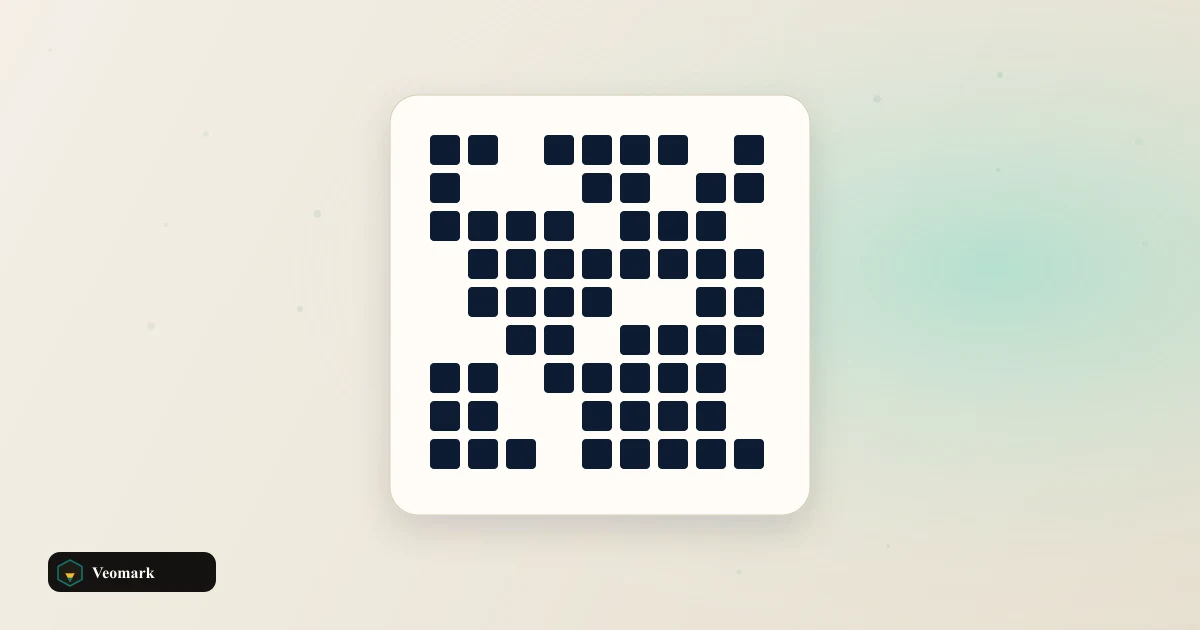
The QR code is the same string as the copy box, rendered locally. Print it on a slide, a poster, or a packing insert without sending the URL to a QR SaaS. If the tracking URL is unusually long (many leftover query params plus five UTM fields), the QR pane states the limit and the table still works. Scan the code once on a phone before you send 40,000 emails. Clear optional fields drops campaign, term, and content and rebuilds the URL from source and medium only.
UTM links tell you which campaign produced the session. They do not tell you if the campaign paid back. Pair the URL with the ROAS Calculator and, for paid social, the CAC Payback Calculator. Instagram and TikTok engagement tools on this site answer a different question (are people interacting), not which link they clicked.
Do not put PII in utm_content. Do not use UTMs on every internal nav link or you will overwrite acquisition source. This builder will not stop those mistakes; it only stops syntax errors. If you need a JSON payload for a tag manager, convert it with the JSON to YAML Converter after you export, or keep it as JSON. The campaign URL itself should stay a single line you can paste into an href.
utm_source and utm_medium are required. utm_campaign defaults to summer_sale but can be cleared. utm_term and utm_content are optional. Values are trimmed, spaces are replaced with a hyphen or underscore, then encoded with the URL API (encodeURIComponent under the hood).
They are kept. https://site.com/page?ref=123 becomes https://site.com/page?ref=123&utm_source=... The tool uses the URL constructor and searchParams.set, so it appends with & when a query string already exists and does not add a second ?.
No. Lowercase applies to UTM values only. The host and path stay as you typed them, which matters for case-sensitive paths. Turn the toggle off if a vendor requires mixed-case source names.
No. The matrix is built in the browser from the final tracking URL (byte mode, medium error correction). If the URL is extremely long, the QR pane explains the limit. The parameter table still lists each field and its encoded form.
Source is who sent the traffic (newsletter, google, partner name). Medium is the channel type (email, cpc, social). Campaign is the promotion name. Term and content are optional for paid keywords and creative variants. GA4 will still record the hit if you skip term and content; it will not if source or medium is empty.
Usually no. Google Ads auto-tagging adds a gclid. Manual UTM on the same URL can double-count or fight auto-tagging. Use this builder for email, affiliates, and social posts. For Google Ads, keep auto-tagging on and leave these fields off the final URL.
 YouTube RPM & Revenue Calculator AdSense RPM/CPM by niche and geo, Shorts vs long-form, extra streams.
  TikTok Engagement Rate Calculator Follower or view ER, 5-video average, tier badge, and brand-deal range.
  Instagram Engagement Rate Calculator Follower ER from likes, comments, and saves, with grade and like-to-comment ratio.
  QR Code Generator Static QR codes in the browser.
  Tweet / X Character Counter Character count with line-break formatting.