

Links built
--
Free · Instant · No signup
Build one campaign URL per source line with shared medium, campaign, and lowercase rules.
Page updated 2026-09-04.
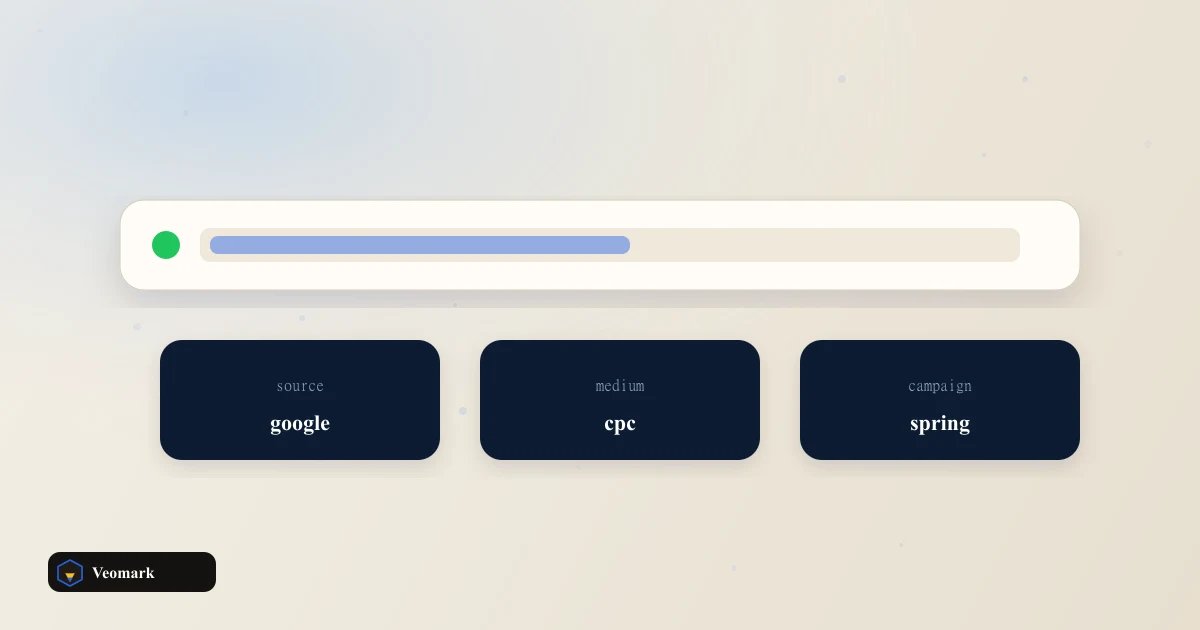

Links built
--

A base URL with three sources (newsletter, linkedin, partner), one shared utm_medium (social) and utm_campaign (spring-launch), and lowercase parameters enabled produces 3 complete tagged URLs in one pass -- each identical except for the utm_source value.
Batch generation like this exists specifically to prevent the most common UTM mistake: manually retyping the same medium and campaign values across many links, where a single typo (extra space, inconsistent capitalization) in even one link breaks that source's attribution in analytics without any visible error.
Lowercasing every parameter (enabled by default here) matters because most analytics platforms treat UTM values as case-sensitive strings -- 'Newsletter' and 'newsletter' would otherwise show up as two separate, unmerged sources in a report, splitting what should be one line of data into two.
Does not shorten links. Pair a single URL with the existing UTM builder if you need QR. The generated URLs are full, untouched length -- if a shortened link is needed for a QR code, a printed piece, or a character-constrained social bio, run the output through a URL shortener afterward.
This assumes the same utm_medium and utm_campaign should apply to every source in the batch -- if different sources genuinely need different medium or campaign values (not just different sources), build those as separate smaller batches or single links instead.
One source per line is the only structural requirement -- sources aren't validated against a fixed list, so any consistent naming convention your team already uses for sources will work.
For a single link rather than a batch -- when only one source needs tagging -- the standard UTM Builder Calculator is the simpler tool.
Once links are live, the actual click-through performance of a shortened or tagged link is a separate question -- see the Short Link CTR Impact Estimator.
Exactly one URL per source line entered -- 3 sources in, 3 complete tagged URLs out, each sharing the same base URL, utm_medium, and utm_campaign but with a different utm_source value.
Because most analytics platforms treat UTM parameter values as case-sensitive text strings. 'Newsletter' and 'newsletter' would be logged and reported as two distinct sources rather than merged into one, fragmenting your attribution data unnecessarily.
No. Does not shorten links. Pair a single URL with the existing UTM builder if you need QR. The output URLs are full length with all UTM parameters visible. Run them through a separate URL shortener if you need a compact link for a QR code or character-limited placement.
Not in a single batch run -- this tool applies one shared utm_medium and utm_campaign across every source in the list. If sources genuinely need different medium or campaign values, generate them in separate batches.
No. Any consistent naming your team uses works -- there's no validation against a fixed set of source names, so the tool adapts to whatever naming convention you've already established for campaign tracking.
 Video Production Budget & Hourly Estimator Shoot budget from crew hours, day rate, gear, and edit hours.
  Short Link Click-Through Rate (CTR) Impact Estimator Clicks and extra clicks from impressions times a current CTR versus a lifted CTR.
  App Store Screenshot Resizer & Device Frame Builder Target screenshot pixels for a chosen store device frame from a source aspect.
  Instagram Engagement Rate Calculator Follower ER from likes, comments, and saves, with grade and like-to-comment ratio.