

Rasterize vector art without leaving the browser
PNG is what most CMS thumbnails, Open Graph images, and app stores expect. This tool loads your SVG locally, paints it on canvas, and gives you a PNG download at the pixel size you choose.
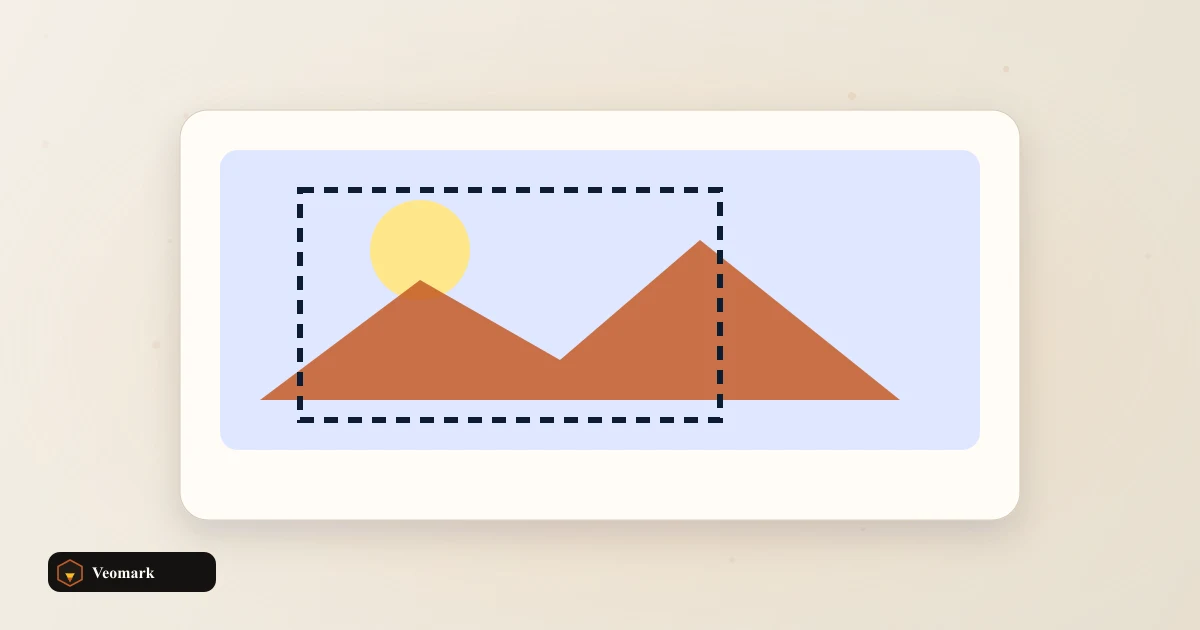
Upload an SVG, confirm width and height, preview on canvas, then click Download PNG. Default 512 x 512 px fits many icon and social preview workflows.
Pair with the Image Dimension Resizer if you already have a PNG and only need a new width or height.
Related design and developer tools
Favicons often start as SVG then export to multiple PNG sizes. Use the Favicon Generator for link tags after you export PNGs at 16, 32, and 180 px.
Large PNG exports can be shrunk with the PNG Compressor before you push assets to production.
Developers cleaning CSS around new assets can run output through the CSS Minifier on the same deploy pass.
When to rerun export
Change dimensions when the target platform publishes a required size (180 x 180 apple-touch-icon, 1200 x 630 OG, and so on).
Re-export after you edit the SVG source file. This page does not watch the file on disk; upload again after each design change.
If preview looks wrong, simplify embedded fonts or convert text to paths in your vector editor, then upload again.
Frequently Asked Questions (FAQ)
How does SVG to PNG conversion work here?
Your SVG file is read locally, drawn onto an HTML canvas at the width and height you set, then exported with canvas.toBlob as PNG. Default output is 512 x 512 px. Nothing is uploaded to a server.
Can I set custom output dimensions?
Yes. Edit width and height from 1 to 8192 pixels before download. After upload, width and height pre-fill from SVG width/height attributes or viewBox when present.
Is transparency preserved?
Yes when the SVG uses transparent backgrounds. The canvas clears before draw, so empty areas export as transparent PNG pixels unless the SVG fills the artboard.