

Hours worked
--
Free · Instant · No signup
Hours worked from start HH:MM, end HH:MM, and unpaid break minutes. Overnight shifts wrap.
Page updated 2026-09-04.
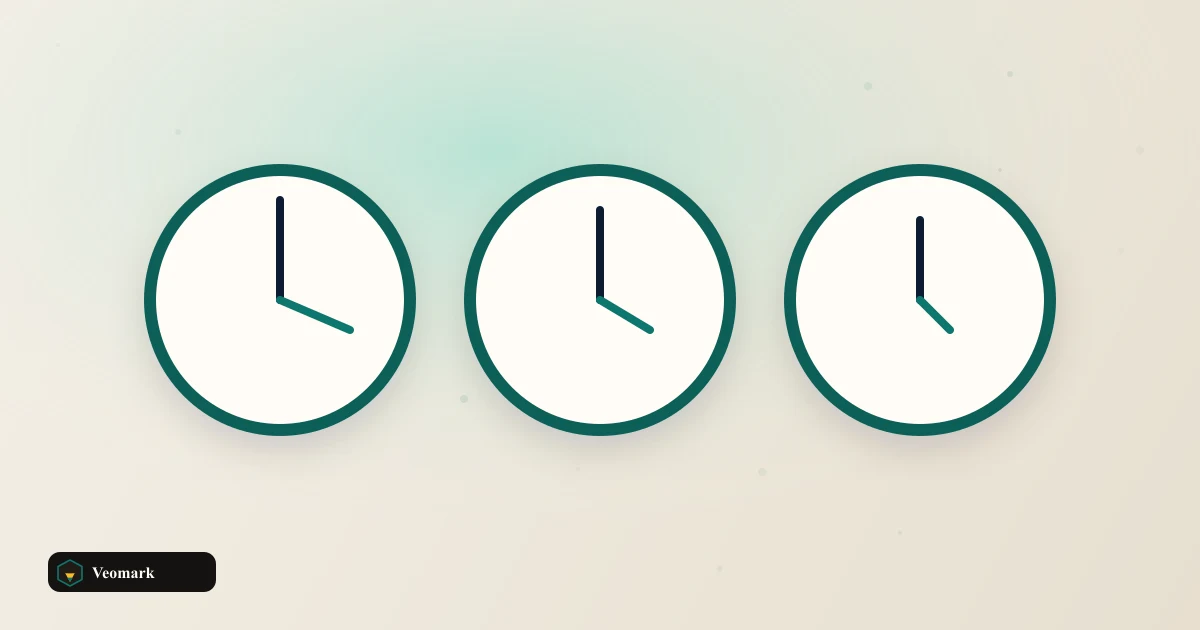

Hours worked
--
Net minutes
--
Clock span minutes
--

A 9:00 AM start to a 5:30 PM end spans 510 minutes (8.5 hours) on the clock. Subtracting a 30-minute unpaid break leaves 480 net minutes, or exactly 8.00 hours worked.
This distinction between clock span (510 minutes, the raw time between clock-in and clock-out) and net minutes (480, what actually gets paid) matters for timesheet accuracy -- an employee working a standard 8-hour day with a 30-minute unpaid lunch actually needs to be on the clock for 8.5 hours total, not exactly 8, to net out to a genuine 8-hour paid day.
480 minutes converting to exactly 8.00 hours (480 / 60 = 8) is a clean result specifically because the numbers in this example line up evenly -- a shift with an odd number of minutes worked would produce a decimal hour value (like 7.75 or 8.25) rather than a round number.
Overnight is assumed when end is earlier than start. Not a payroll export. If the end time entered is earlier than the start time (like a 10:00 PM start and a 6:00 AM end), the calculator assumes the shift crosses midnight into the next day, rather than treating it as a negative or invalid duration -- a necessary assumption for correctly calculating night-shift hours.
This is a single-shift calculation -- it doesn't accumulate multiple shifts across a pay period into a weekly or biweekly total, which would require entering and summing each shift's net hours separately outside this tool.
The unpaid break field assumes exactly one break subtracted from the total span -- a shift with multiple separate breaks (a morning break plus a lunch break, for example) would need those combined into one total break-minutes figure before entering it here.
For converting the resulting decimal hours into a format some payroll systems expect (like converting minutes past the hour into a clean decimal), the Time to Decimal Hours Converter handles that specific conversion.
For adding or subtracting two separate time durations (rather than calculating one shift's net hours), the Time Adder/Subtractor is the related tool.
Clock span (510 minutes, from 9:00 AM to 5:30 PM) minus the 30-minute unpaid break = 480 net minutes, which converts to exactly 8.00 hours (480 / 60).
Clock span (510 minutes here) is the raw time between clock-in and clock-out. Net minutes (480) subtracts any unpaid break time, representing the actual hours that get counted as worked or paid time.
Overnight is assumed when end is earlier than start. Not a payroll export. If the end time is earlier than the start time, it assumes the shift continues into the next day (an overnight shift) rather than treating it as an invalid or negative duration -- necessary for correctly calculating night-shift hours.
No. Overnight is assumed when end is earlier than start. Not a payroll export. This calculates one single shift's net hours at a time. Totaling multiple shifts into a weekly or biweekly figure would require calculating each shift separately and summing the results outside this tool.
Combine both breaks into a single total minutes figure before entering it into the break field -- this calculator only subtracts one break-duration value from the total clock span.
 Greatest Common Divisor (GCD) & Least Common Multiple (LCM) Calculator Euclidean GCD and LCM = |A x B| / GCD for two integers.
  QR Code Generator Static QR codes in the browser.
  Daily Water Intake Calculator Daily water from weight, exercise minutes, and climate, in oz, liters, or cups.
  Whitespace / Extra Space Cleaner Collapse runs of spaces and tabs to one space and trim the edges of the text.